z-image-turbo · Text to Image

z-image-turbo: Free Text-to-Image AI, Ready in About 10 Seconds

z-image-turbo is the text-to-image model behind the generator on this page — type a sentence, get a real image back in roughly ten seconds, no account and no credit card required.

Step 1 — Text to Image·z-image-turbo
Aspect ratio
Live preview

Your generated image will appear here

What is z-image-turbo?

z-image-turbo is the text-to-image model that powers the generation tool at the top of this page. You type a description, the model runs a single fast pass over it, and a finished image comes back — typically in about ten seconds, not the thirty-to-ninety second wait common with slower diffusion pipelines. It is a general-purpose image model, so it isn't tuned to one narrow visual style: the same model produces photographic scenes, flat illustration, product renders, and stylized 3D-clay looks, depending on how the prompt is written.

On BytePlus AI, z-image-turbo is always the first step. Whatever it returns becomes the base image for everything that follows — a flux.2 restyle, a hunyuan3d-2 3D conversion, or the animated motion-preview step described on our Seedance-alternative page. Nothing about the flow requires an account, a saved project, or a queue position; the model runs the same way for every visitor, at any hour.

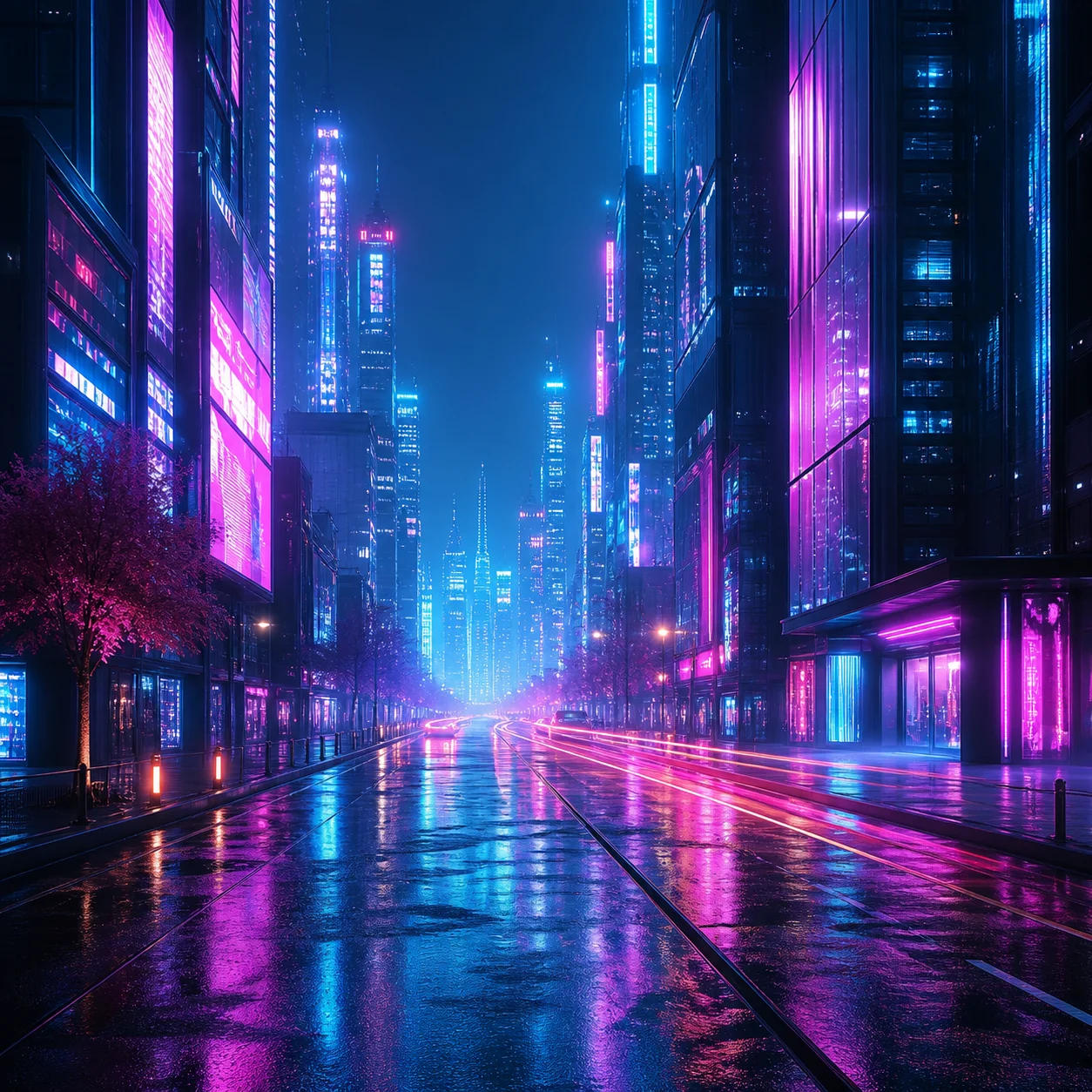
Image generated with the z-image-turbo model on BytePlus AI

Built for speed

A single fast pass, not a long denoising chain.

Turbo-class image models trade some of the iterative refinement of slower diffusion pipelines for a much shorter generation loop. In practice that means you can try five or six prompt variations in the time a heavier model needs for one image — which matters when the whole point of this page is to let you explore, not wait.

A wide creative range

Photographic, illustrated, product, and isometric styles.

Because z-image-turbo is a general model rather than a niche fine-tune, the example chips in the generator above cover very different territory on purpose: a cyberpunk street scene, a watercolor landscape, a studio product shot, and a clay-style isometric island. Swap the style words in your own prompt and the model follows.

~10s Generation

Typical time from hitting Generate to seeing a finished image.

3 Aspect Ratios

Square, portrait, and landscape framing, picked before you generate.

0 Sign-Ups

No account, no email, no credit card to run the model.

How to prompt z-image-turbo well

The chips under the prompt box — cyberpunk city, golden retriever astronaut, watercolor mountain lake, studio product shot, isometric 3D island — aren't random. Each one demonstrates a different pattern that tends to work well: name the subject first, then the setting, then the lighting, then the style or medium. “A neon-lit cyberpunk city street at night, flying cars, rain reflections, cinematic lighting” gives z-image-turbo a subject (city street), a mood (neon, night, rain), and a rendering cue (cinematic lighting) in one sentence, which is usually enough for a coherent result on the first try.

Aspect ratio matters more than people expect. A portrait framing crops differently than a square one, and a wide landscape ratio tends to suit scenes with a horizon or multiple elements better than a single close-up subject. If a result feels cramped or oddly cropped, try the same prompt in a different ratio before rewriting the whole sentence. And because generation only takes about ten seconds, regenerating with a small wording change is almost always faster than trying to fix an image after the fact.

From a still image to a motion preview

Once z-image-turbo returns an image, the hero tool offers an “Animate This Image” step. To be clear about what that does: it applies a looping pan-and-zoom motion treatment to the image you already generated — it does not run a second, independent video-generation model. It's a preview effect, not a claim that a distinct AI video model executed behind the scenes. We explain exactly where that leaves you, and where a real generated video comes in, on a dedicated page.

If instead you want to refine the picture itself — a different color grade, a restyle, a small compositional fix — that's a job for flux.2, our image-to-image editing model, which takes the z-image-turbo output as its starting point rather than generating from scratch.

Independence note: z-image-turbo is a hosted third-party model that BytePlus AI integrates — we don't train or own it, and this page is not affiliated with the official BytePlus company. See BytePlus AI Explained for the full picture of how this site works and why it carries this name.

See What Explorers Ask About z-image-turbo

Yes. Every image generated by z-image-turbo on this page is free, with no account, no email, and no credit card. There is no separate paid tier for the model itself — the only external upsell on this site is Kyncept Video Pro, for people who want a full generated video rather than a motion preview.

Generate Your First Image with z-image-turbo

One prompt, a real image in about ten seconds — free, anonymous, and ready right now.

byteplusai.site is an independent AI creation playground and is not affiliated with, endorsed by, or sponsored by ByteDance or BytePlus Pte. Ltd. "BytePlus" is referenced solely to describe the AI model category we help you explore.