Yes. Every image generated on byteplusai.site is free, with no account required and no limit enforced by a credit balance. The generator runs on the homepage; this page is a guide to using it well.
Free AI Tool
Free Text to Image AI Generator
Type a description, press Generate, and get back a real image from the z-image-turbo model in about ten seconds. There's no account to create, no credit card to enter, and no watermark stamped across the result — the generator lives on the homepage, and this page explains what it does and how to get the most out of it.
Step 1 — Text to Image·z-image-turbo
Aspect ratio
Live preview
Your generated image will appear here
Text to Image
A real model, not a stock-photo swap.
Every image this tool returns is generated live by z-image-turbo from the exact words you type. There's no library of pre-made results being served back to you — change one adjective in your prompt and the output changes with it. Pick a square, portrait, or landscape frame before you generate, or just leave it on the default and adjust afterward with Regenerate.
Try now# text to image
model: "z-image-turbo"
prompt: "A neon-lit cyberpunk city street at night, flying cars, rain reflections, cinematic lighting"
aspect_ratio: "1:1"
sign_up_required: false
watermark: false
Who Free Text to Image Is Actually For
Not everyone who wants an AI image needs a subscription for it. Someone writing a blog post needs one header image, not a monthly plan they'll forget to cancel. A student mocking up a poster for a class project doesn't want to hand over a credit card for a one-time use. A small shop owner testing whether an AI-generated product background even looks decent before investing in a real photoshoot needs to try it first, for free, without a sales call in between. This tool is built for exactly that first pass — the moment before you've decided whether AI image generation is worth paying for at all.
It's also useful once you've already decided it's worth it. Because there's no account and no saved history, some people use it as a fast sketchpad: generate ten variations of an idea in the time it would take to open a design tool, throw away nine, and keep the one that works. z-image-turbo's roughly ten-second generation time is what makes that kind of rapid iteration practical instead of tedious — you're not waiting long enough between attempts to lose your train of thought.
How It Works
1
Enter a prompt
Describe the subject, style, and lighting you want — or tap one of the example chips to start from a working prompt.
2
Generate
z-image-turbo returns a real image in about ten seconds. No queue, no waiting behind paying accounts.
3
Regenerate
Not quite right? Tweak the wording and generate again — there's no limit on how many times you try.
4
Save or animate
Download the image straight from your browser, or press Animate to turn it into a looping motion preview.
How to Write a Prompt That Works
Name the subject first Lead with what should be in the frame — "a golden retriever astronaut," not "a cool space image." Specific nouns anchor the generation far more than adjectives do.
Add one style cue A single style word — watercolor, studio product shot, isometric 3D, cinematic — does more work than a paragraph of vague mood-setting.
Describe the light Mentioning where the light comes from (soft window light, neon glow, golden-hour rim light) is the fastest way to make a generic prompt look intentional.
Iterate instead of over-writing If the first result is close, change one clause and regenerate rather than rewriting the whole prompt from scratch — small edits are easier to reason about.
Pick the aspect ratio before you generate Square works for most social posts, portrait suits phone wallpapers and Stories, landscape suits banners and desktop backgrounds — matching it up front saves a crop later.
What People Build With It

Social Media Posts
Generate a scroll-stopping visual for a caption in the time it takes to write the caption.

Marketing Concepts
Rough out a campaign visual before you brief a designer or book a shoot.
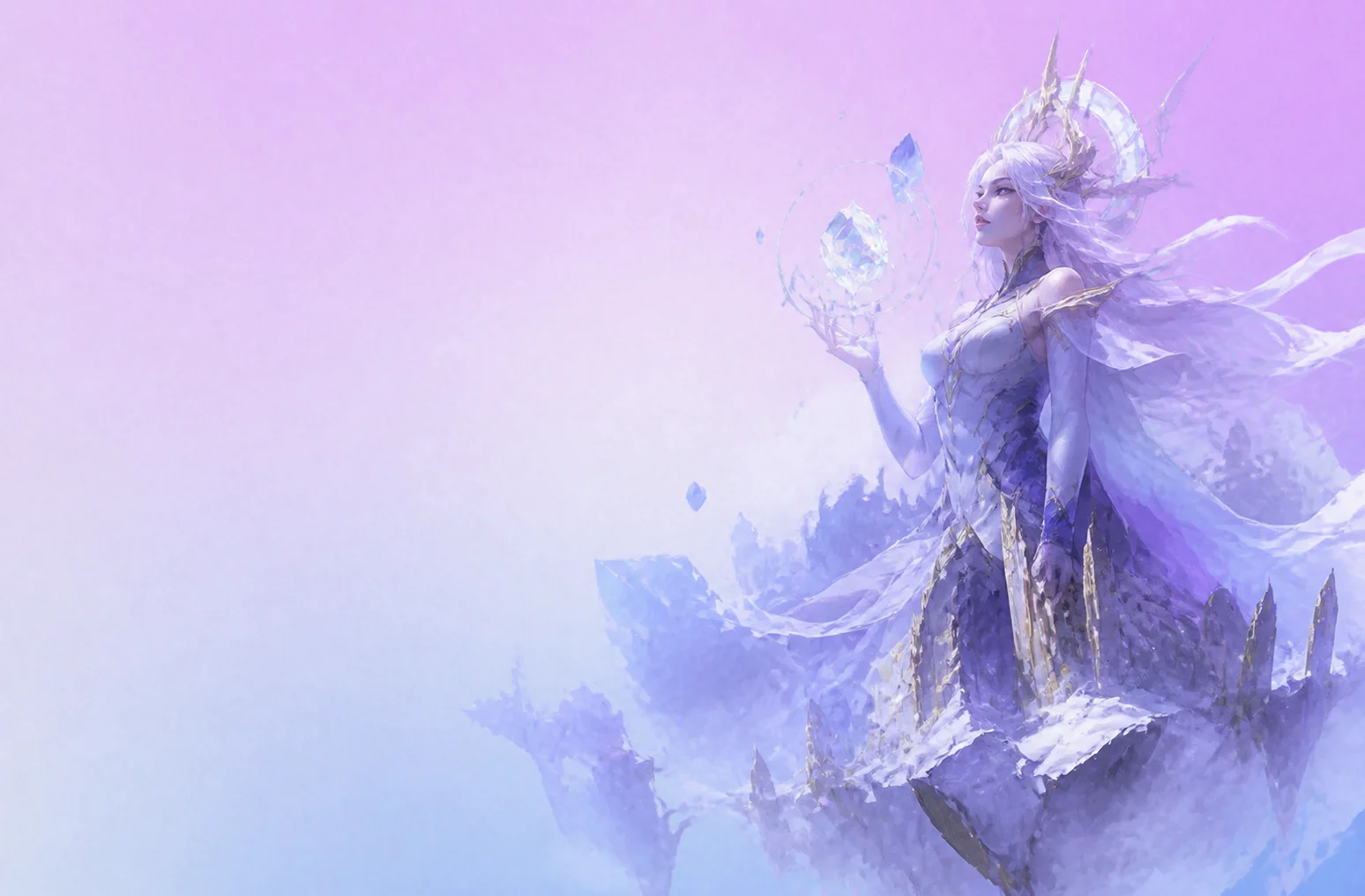
Concept Art
Turn a story idea or a character description into a piece of concept art in seconds.

Quick Visual Drafts
Explore a dozen directions for a visual before committing to one — regenerating costs nothing.
Text to Image — Questions
z-image-turbo, a fast text-to-image model. It's the same model shown in the live example on this page and the same one running the generator on the homepage — nothing here is a mockup or a pre-rendered sample.
No. There's no account system on byteplusai.site. Open the generator, type a prompt, and get an image back — nothing is tied to an email address or a login.
Yes. The generator on the homepage has a square, portrait, and landscape option before you generate, so you can match the shape to where the image is going — a social post, a phone wallpaper, or a banner.
You can regenerate with the same prompt tweaked, download the image, or send it into the Animate step to get a looping motion preview built from that same image. Nothing you generate is saved to an account or a history page.
The image can be animated into a short looping motion preview right on the homepage — see how that works on the Image to Video page. For a full, independently generated video, explore Kyncept Video Pro.
More Free AI Tools
Back to Home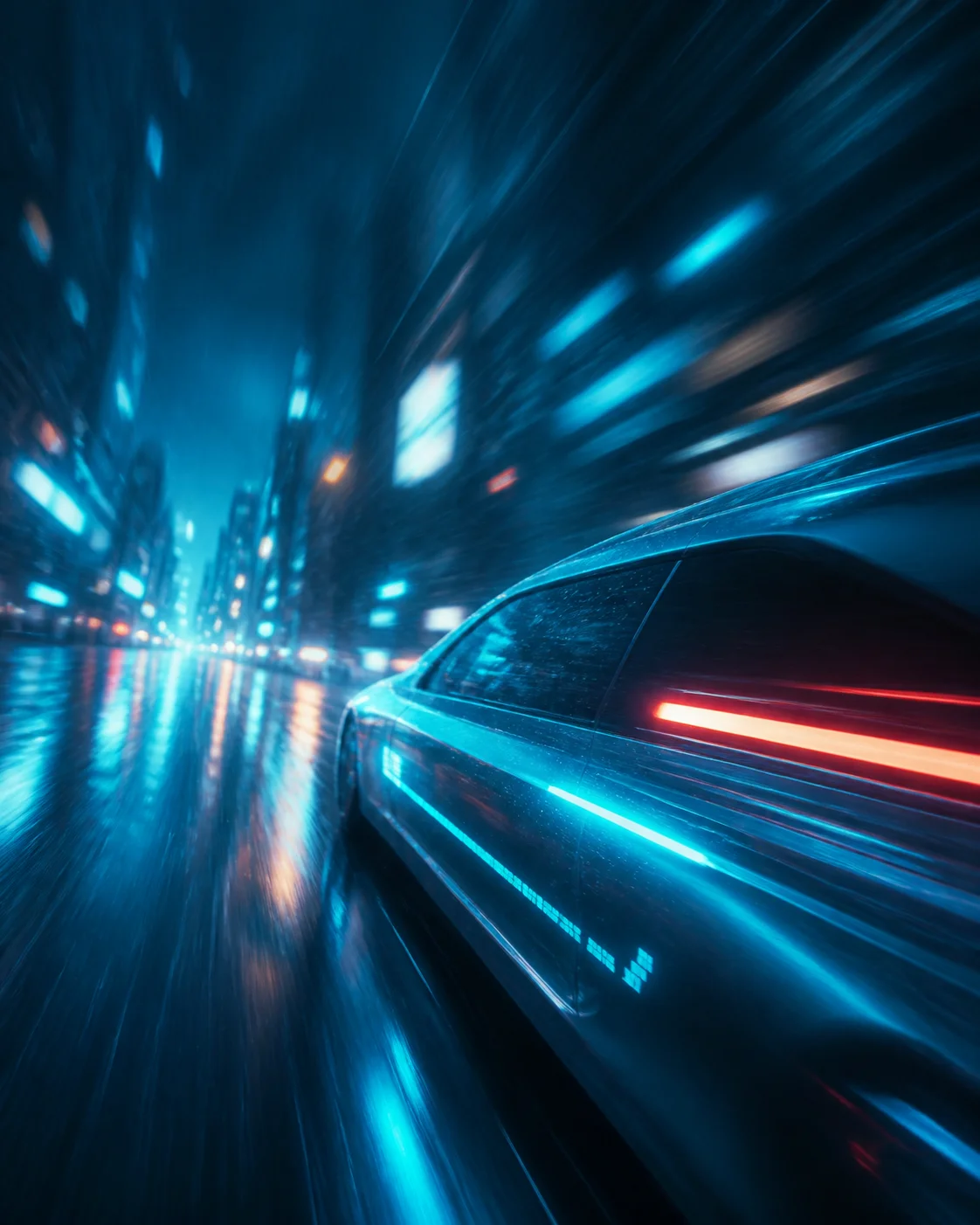
Image to Video
Turn a still AI image into a short, looping motion preview — no upload required if you generated the image on this site first. The page explains exactly what the animation step is (and isn't): a client-side motion treatment of your real image, not a separate text-to-video model.
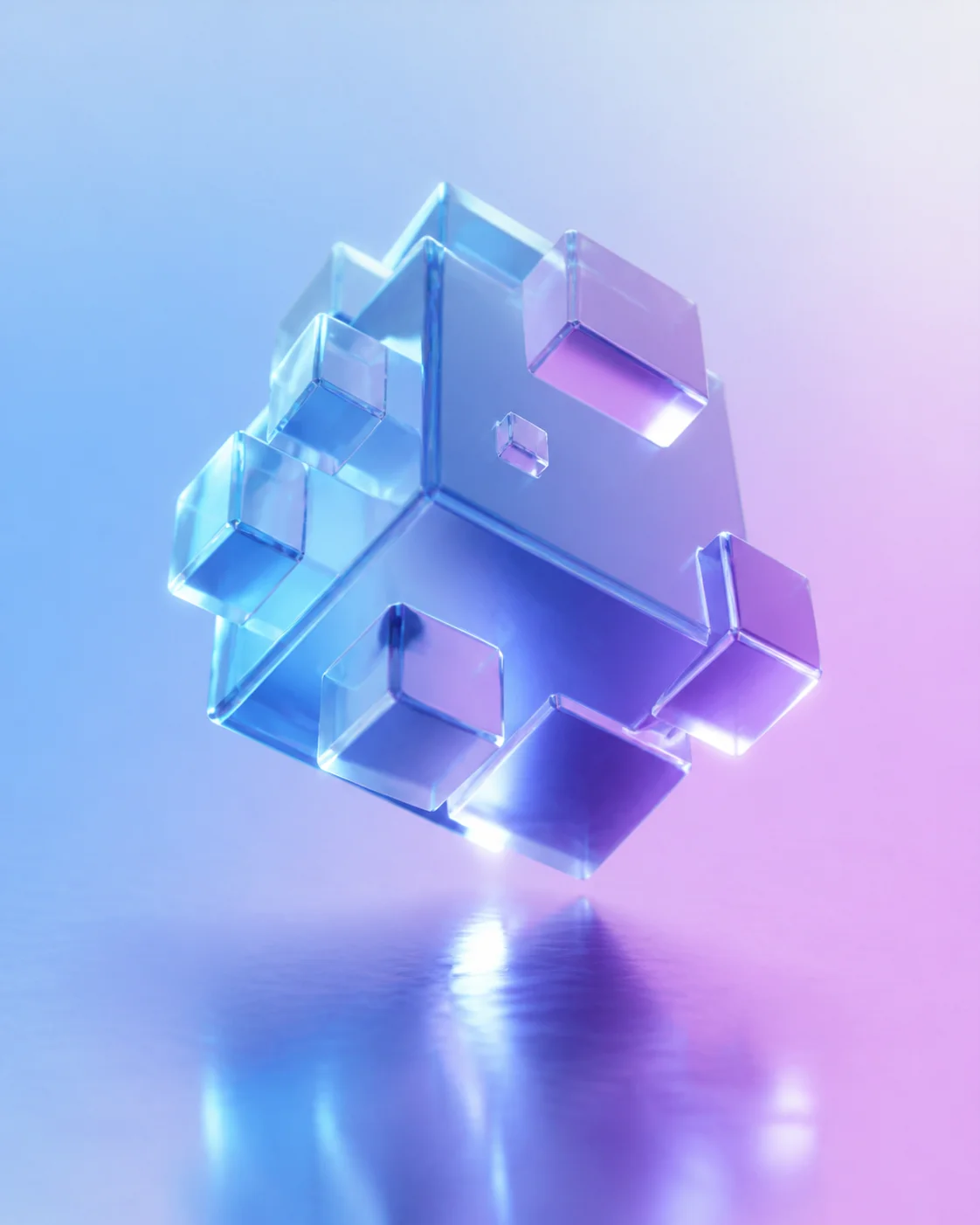
Image to 3D
Feed a generated image into hunyuan3d-2 and get back an explorable 3D preview — useful for concept art, product mockups, or just seeing a flat idea from another angle. This page walks through the standalone conversion flow, separate from the animate-to-video path.
AI Chat
Ask a question or brainstorm a prompt with a free, open large language model — no login, no message limit tied to an account. This page is the dedicated landing for the chat tool, separate from the image and video generators above.
Free AI Image Generator
The same z-image-turbo generator as Text to Image, written for anyone searching the broader term "free AI image generator" — unlimited generations, no watermark, and no account gate on the first image or the hundredth.

Free AI Video Generator
The landing page for anyone searching "free AI video generator" — it embeds the same animate-to-video preview as Image to Video, and points toward Kyncept Video Pro for a full, longer video render once you've tried the free preview.
Ready to Turn a Prompt Into an Image?
The generator is one scroll away on the homepage — no sign-up between here and your first result.