Yes. Chatting on byteplusai.site is free, with no account and no message limit tied to a paid tier.
Free AI Tool
Free AI Chat — No Sign-Up
Ask a question, brainstorm a prompt, or talk through an idea with a free, open large language model — no account, no email, no login wall. It runs on the homepage alongside the image and video tools, and this page explains what it's built on and what it's best used for.
Step 1 — Text to Image·z-image-turbo
Aspect ratio
Live preview
Your generated image will appear here
AI Chat
Open models, not one locked-in proprietary chatbot.
Rather than routing every conversation through a single proprietary model, BytePlus AI's chat runs on free, open large language models. That means the underlying model can change as better open options become available, without the tool itself changing — you get useful, fast responses without an account gating the conversation.
Try now# free ai chat
models: "open large language models"
history: "not stored against an account"
sign_up_required: false
good_for: "prompt ideas, quick Q&A, drafting"
Why Open Models Instead of One Proprietary Chatbot
Building a free chat tool on top of a single proprietary model usually means one of two trade-offs: either the free tier is quietly worse than the paid one, or the free tier gets shut off the moment usage climbs past whatever the provider is willing to subsidize. Open large language models sidestep both problems. Because the models aren't licensed per-conversation from a single vendor, there's no meter running in the background that eventually has to turn into a paywall — the chat can stay free and stay full-featured at the same time.
It also means the tool isn't locked to one model's particular quirks forever. Open models are actively improving, and swapping in a better one doesn't require rebuilding the chat interface around a new vendor's API — it's a backend change, invisible to how you actually use it. What stays constant is the experience: no login, no saved conversation history tied to an account, and a fast response whether it's your first message of the day or your fiftieth.
None of this makes the chat a replacement for a specialized tool when you need one. It's genuinely good at brainstorming, drafting, explaining a concept in plain language, and turning a rough idea into a sharper image prompt — the kinds of tasks where a fast back-and-forth beats a search engine. For anything that needs to be precisely correct, current, or sourced, treat the chat's answer as a first draft to verify, not a final reference.
How It Works
1
Open the chat
Find it on the homepage, alongside the image, video, and 3D tools — no separate app or login page.
2
Ask your question
Brainstorm a prompt for the image generator, ask a quick question, or talk through a rough idea.
3
Keep the conversation going
Follow up, ask for a rewrite, or push the model in a different direction — same as any chat interface.
4
Carry ideas into the other tools
Turn a chat-refined prompt idea straight into an image with z-image-turbo, without leaving the page.
Getting More Out of Free AI Chat
Use it to draft image prompts If you're not sure how to describe what you want, ask the chat to turn a rough idea into a detailed image prompt, then paste that straight into the text-to-image generator.
Ask for options, not just one answer Open models respond well to "give me three different angles on this" — useful for brainstorming rather than looking for a single definitive answer.
Keep sessions focused Since nothing is saved to an account, treat each session as its own conversation — copy out anything you want to keep before you close the tab.
It's a starting point, not a source of record Like any AI chat tool, treat factual claims as a starting point to verify rather than a final answer, especially for anything time-sensitive or high-stakes.
What Free AI Chat Is Good For
Prompt Brainstorming
Turn a vague idea into a detailed, well-structured prompt ready for the image generator.

Quick Drafting
Rough out a caption, a headline, or a short paragraph before you polish it yourself.
Talking Through an Idea
Use the back-and-forth of chat to explore an idea from a few different angles before you commit to one.
Understanding the Models
Curious what's actually running behind the chat and the image tools? Read the model explainer.
AI Chat — Questions
Free, open large language models rather than a single proprietary chatbot. We use open models specifically so the free tier isn't a stripped-down version of a paid product.
No. There's no login, no email verification, and no account required to start a conversation.
Conversations aren't tied to an account or a saved history page. If you want to keep something from a chat, copy it out before you close the tab or navigate away.
Yes — that's one of the most useful ways to use it. Describe roughly what you want, ask the chat to turn it into a detailed prompt, then paste the result into the image generator.
Like any AI chat tool, it's useful for brainstorming, drafting, and exploring ideas, but treat specific factual claims — dates, statistics, current events — as something to verify rather than take at face value.
More Free AI Tools
Back to HomeText to Image
The core tool behind BytePlus AI — write a prompt, pick a shape (square, portrait, or landscape), and get a real image back from z-image-turbo in about ten seconds. This page embeds the same generator as the homepage, with the copy tuned for anyone searching specifically for a free text-to-image tool.

Image to Video
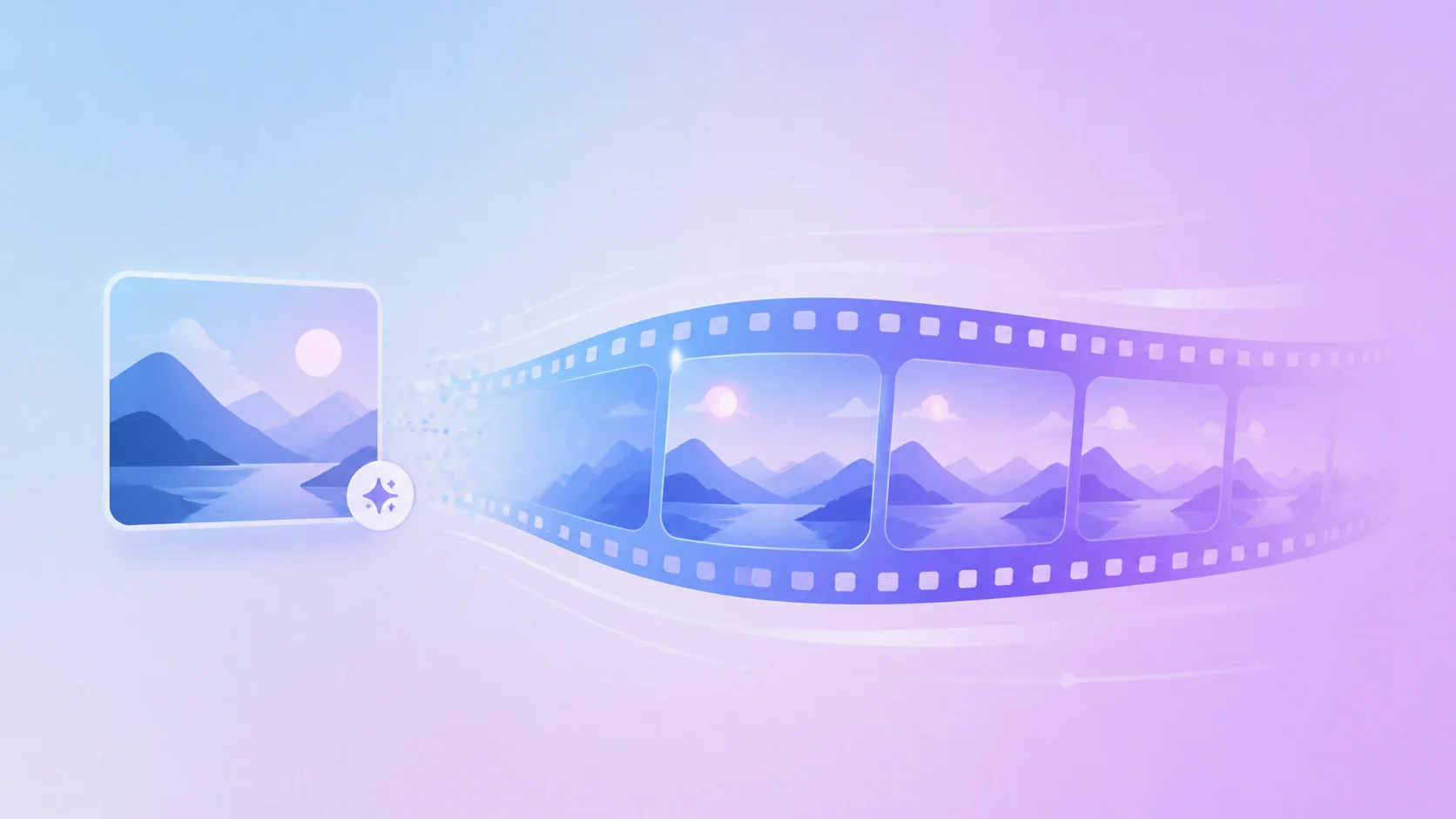
Turn a still AI image into a short, looping motion preview — no upload required if you generated the image on this site first. The page explains exactly what the animation step is (and isn't): a client-side motion treatment of your real image, not a separate text-to-video model.

Image to 3D
Feed a generated image into hunyuan3d-2 and get back an explorable 3D preview — useful for concept art, product mockups, or just seeing a flat idea from another angle. This page walks through the standalone conversion flow, separate from the animate-to-video path.

Free AI Image Generator
The same z-image-turbo generator as Text to Image, written for anyone searching the broader term "free AI image generator" — unlimited generations, no watermark, and no account gate on the first image or the hundredth.
Free AI Video Generator
The landing page for anyone searching "free AI video generator" — it embeds the same animate-to-video preview as Image to Video, and points toward Kyncept Video Pro for a full, longer video render once you've tried the free preview.
Start a Conversation With Free AI Chat
No sign-up, no login — the chat sits right on the homepage next to the image and video tools.